Music Mouse
An Intelligent Musical Instrument
An intelligent musical instrument for today’s computers. Generate rich counterpoint and unexpected melodies with simple computer mouse and trackpad movements.

A Different Kind of Instrument
Music Mouse turns simple mouse movements into melody and counterpoint in real time, letting you play music directly instead of programming it.
Independent horizontal and vertical motion generate interlocking musical lines, while built-in harmonic logic keeps everything musically coherent.
Use it to improvise, explore new ideas, or drive external instruments with expressive, human control.

How to Play Music Mouse
Play as a Standalone Instrument
Music Mouse is a standalone app by design, just like the original in 1986. It launches instantly, stays focused, and responds with the speed and feel of a real instrument.
Run through Effects
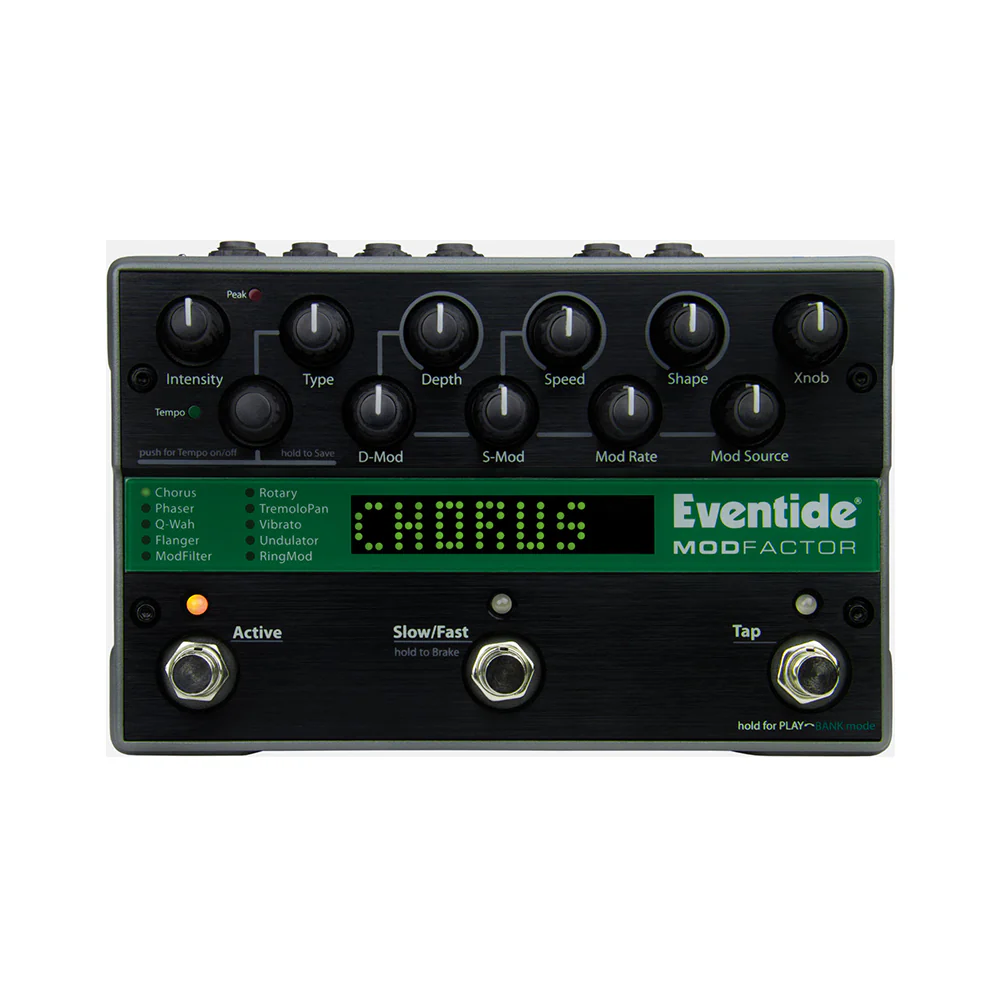
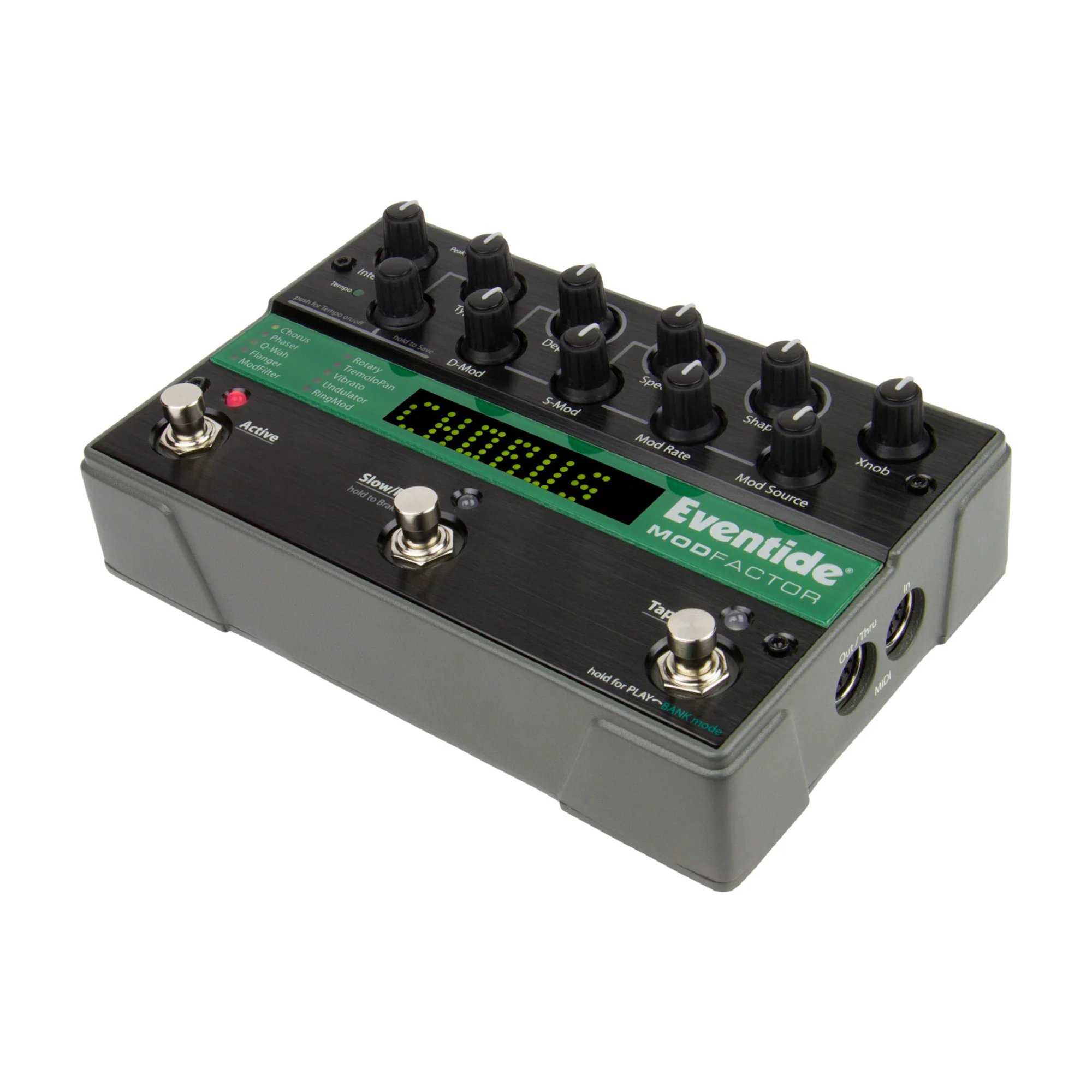
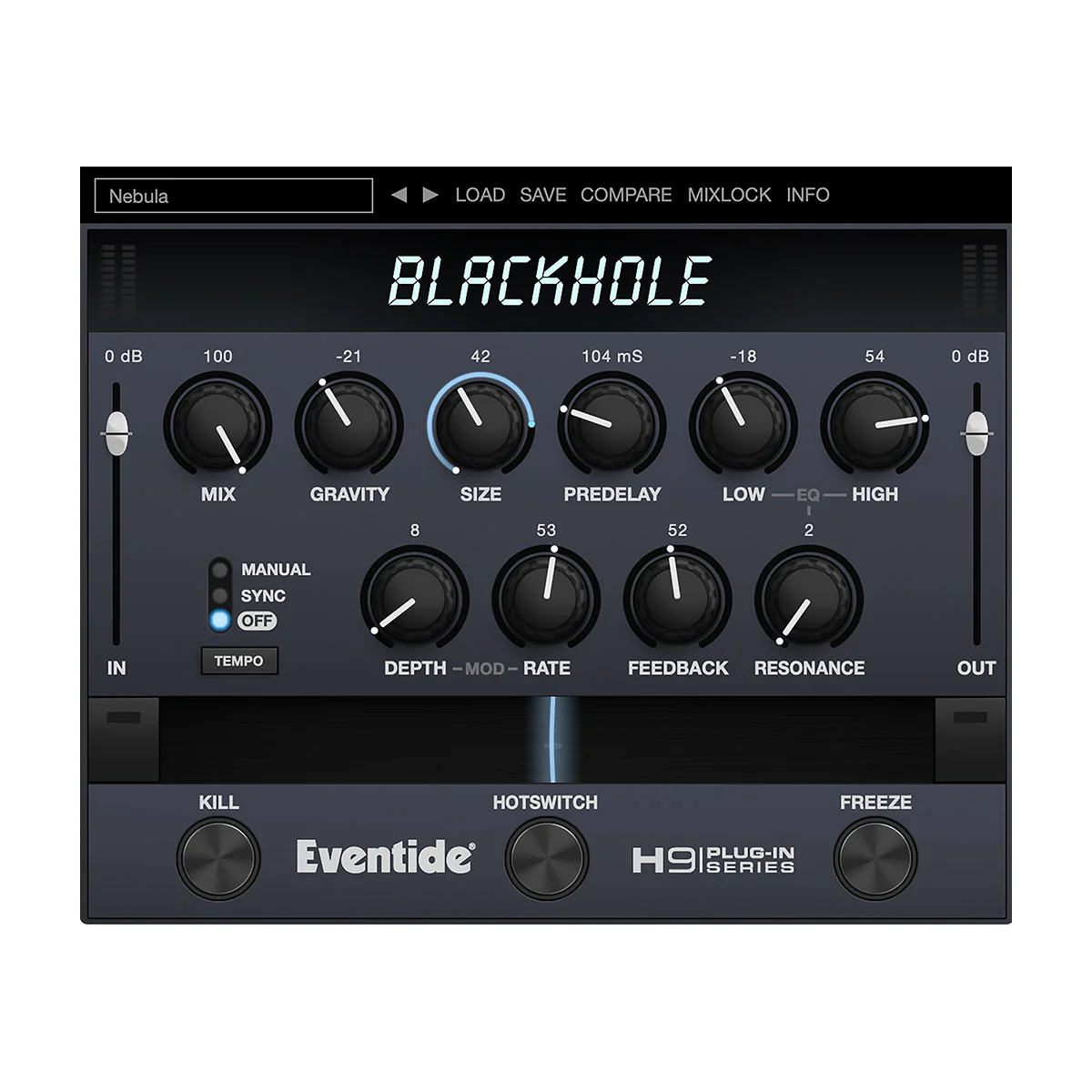
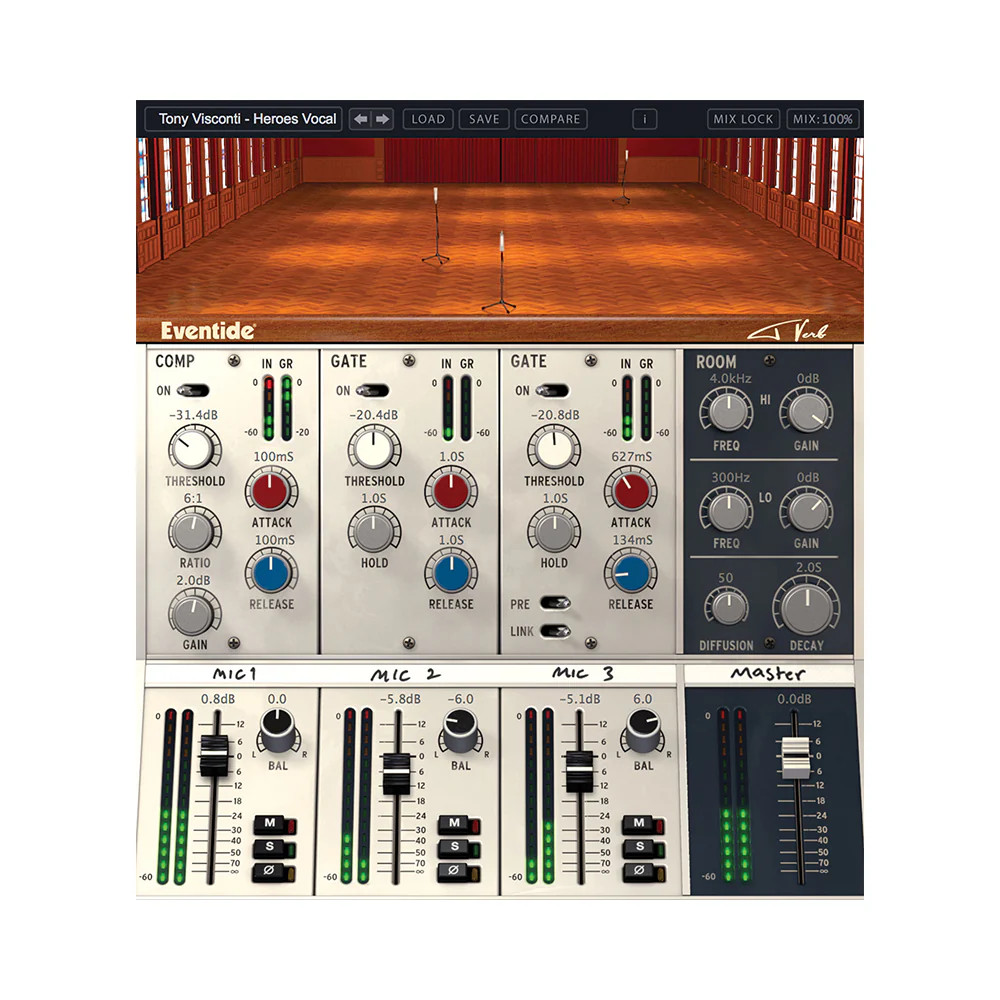
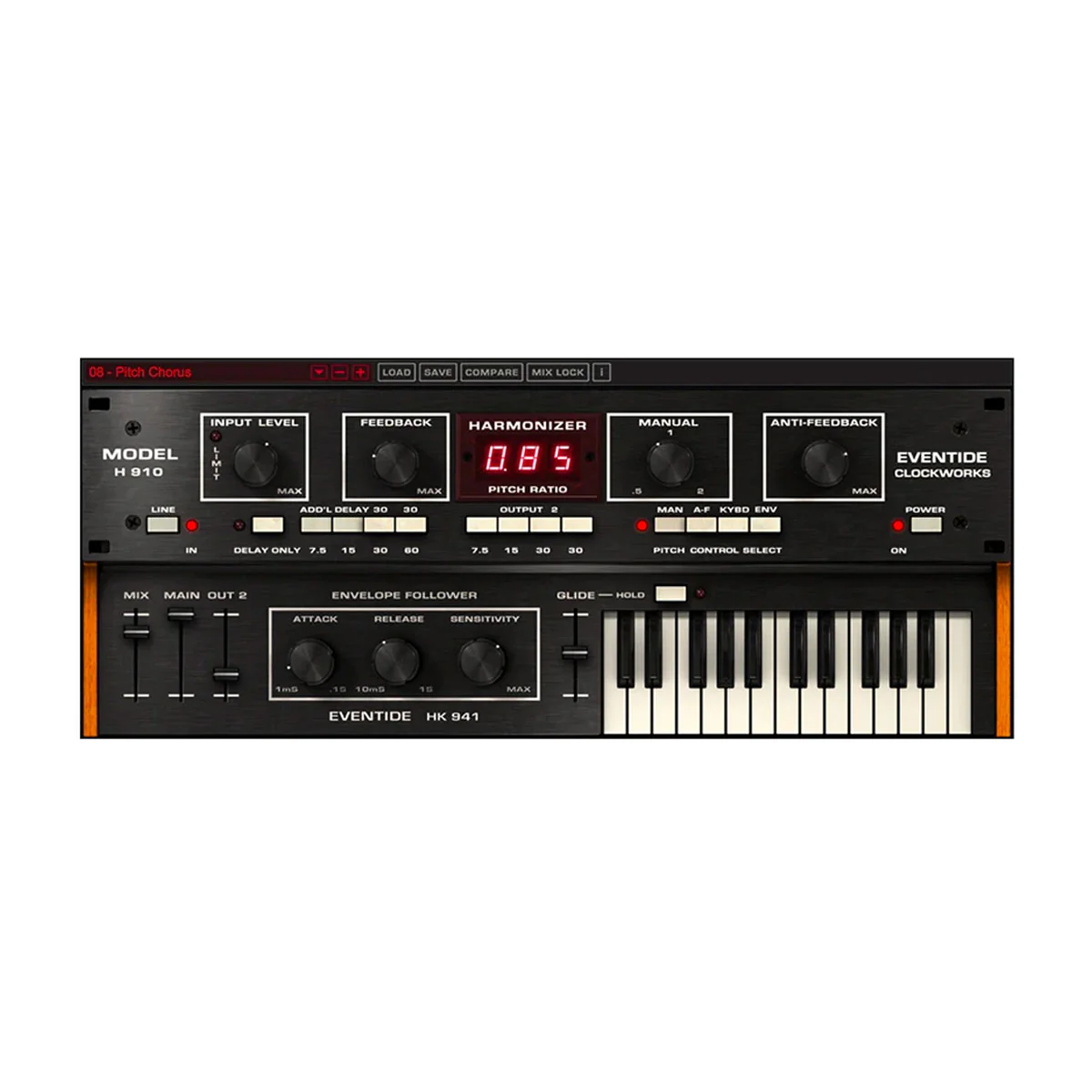
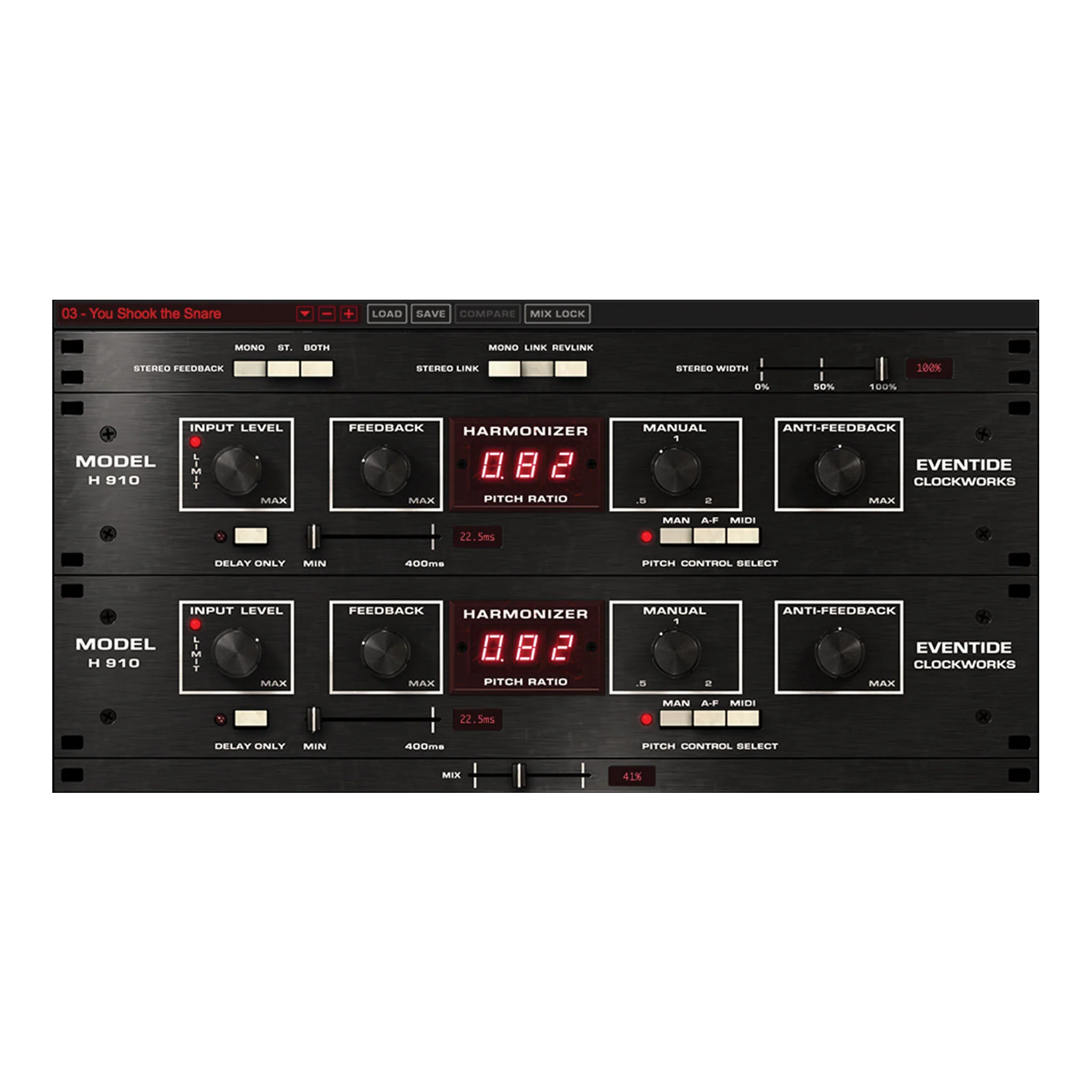
Send Music Mouse into delays, reverbs, modulation, or granular effects and it comes alive. Because it plays differently than traditional controllers, effects respond in fluid, expressive, constantly moving ways.
Use as a MIDI Source
Music Mouse can drive your DAW, generating MIDI that sparks new harmonic ideas and breaks you out of recognizable patterns. It’s a powerful way to discover melodies and rhythms you wouldn’t normally play on a keyboard.

Features
- Parameter presets by Laurie Spiegel and 30+ synth presets drawn from her original DX7 and TX7 patches
- Standalone software app
- Connect to DAW/Hardware via MIDI (including MIDI Clock Sync)
- Keyboard Controllers: Perform musical gestures using computer keyboard presses
- Polyphonic Cursor: Push notes around using your computer mouse
- Play up to 4 notes simultaneously
- 10 Pattern Sequences
- 4 Rhythmic Treatments: Chord, Arpeggio, Line, Improv
- 6 Harmonic Modes: Chromatic, Octatonic, Middle Eastern, Diatonic, Pentatonic, Quartal
- Printable Keyboard Map
Mac
- macOS 10.14 or later
- Intel and Apple Silicon Supported
Windows
- Windows 11
An iLok account is required, but no physical dongle is necessary.
Product Information
Product Information
Shipping & Returns
Shipping & Returns
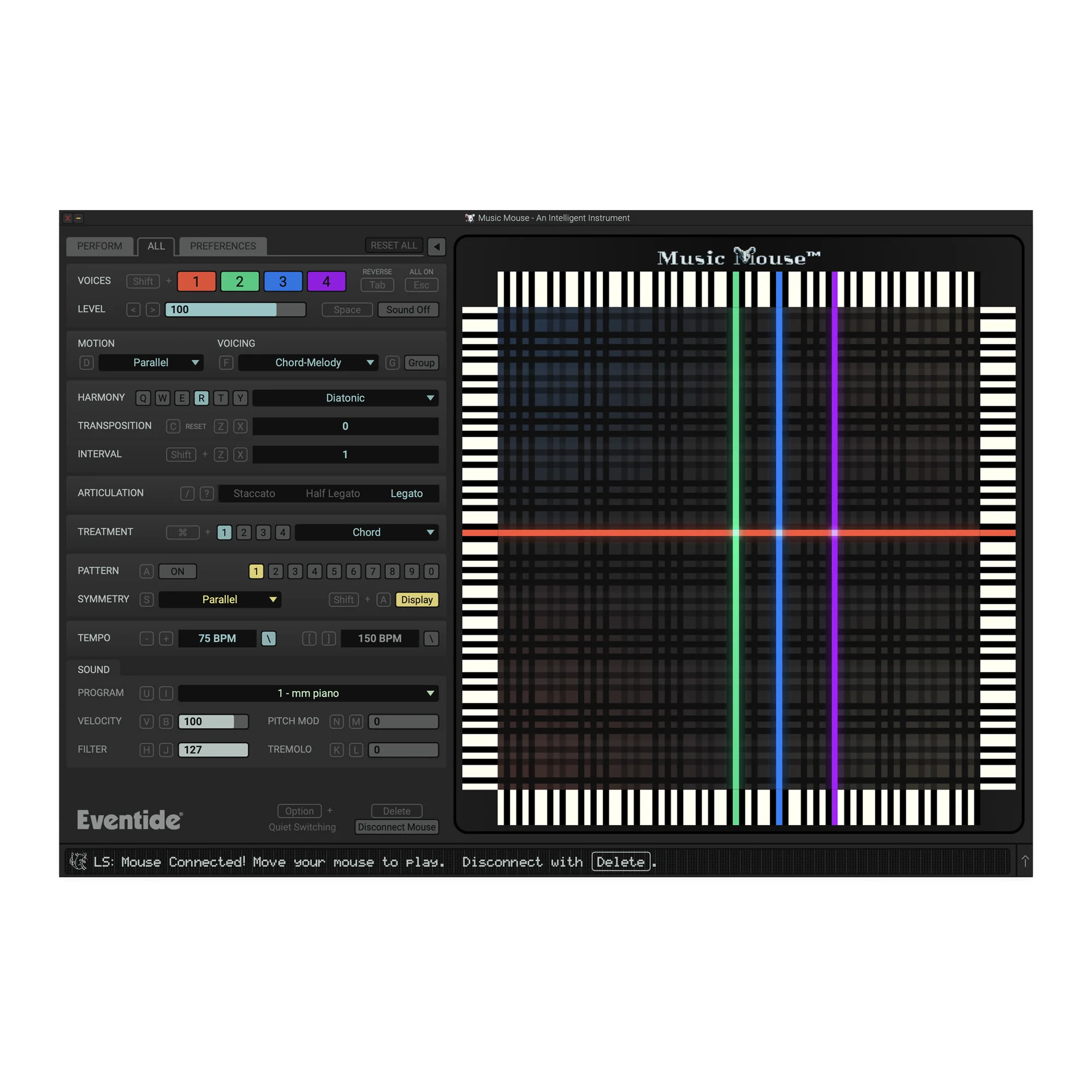
Music Mouse
Music Mouse
An Intelligent Musical Instrument
An intelligent musical instrument for today’s computers. Generate rich counterpoint and unexpected melodies with simple computer mouse and trackpad movements.
A Different Kind of Instrument
Music Mouse turns simple mouse movements into melody and counterpoint in real time, letting you play music directly instead of programming it.
Independent horizontal and vertical motion generate interlocking musical lines, while built-in harmonic logic keeps everything musically coherent.
Use it to improvise, explore new ideas, or drive external instruments with expressive, human control.
How to Play Music Mouse
Play as a Standalone Instrument
Music Mouse is a standalone app by design, just like the original in 1986. It launches instantly, stays focused, and responds with the speed and feel of a real instrument.
Run through Effects
Send Music Mouse into delays, reverbs, modulation, or granular effects and it comes alive. Because it plays differently than traditional controllers, effects respond in fluid, expressive, constantly moving ways.
Use as a MIDI Source
Music Mouse can drive your DAW, generating MIDI that sparks new harmonic ideas and breaks you out of recognizable patterns. It’s a powerful way to discover melodies and rhythms you wouldn’t normally play on a keyboard.
Features
- Parameter presets by Laurie Spiegel and 30+ synth presets drawn from her original DX7 and TX7 patches
- Standalone software app
- Connect to DAW/Hardware via MIDI (including MIDI Clock Sync)
- Keyboard Controllers: Perform musical gestures using computer keyboard presses
- Polyphonic Cursor: Push notes around using your computer mouse
- Play up to 4 notes simultaneously
- 10 Pattern Sequences
- 4 Rhythmic Treatments: Chord, Arpeggio, Line, Improv
- 6 Harmonic Modes: Chromatic, Octatonic, Middle Eastern, Diatonic, Pentatonic, Quartal
- Printable Keyboard Map
Mac
- macOS 10.14 or later
- Intel and Apple Silicon Supported
Windows
- Windows 11
An iLok account is required, but no physical dongle is necessary.
Original: $29.00
-65%$29.00
$10.15Product Information
Product Information
Shipping & Returns
Shipping & Returns
Description
An Intelligent Musical Instrument
An intelligent musical instrument for today’s computers. Generate rich counterpoint and unexpected melodies with simple computer mouse and trackpad movements.
A Different Kind of Instrument
Music Mouse turns simple mouse movements into melody and counterpoint in real time, letting you play music directly instead of programming it.
Independent horizontal and vertical motion generate interlocking musical lines, while built-in harmonic logic keeps everything musically coherent.
Use it to improvise, explore new ideas, or drive external instruments with expressive, human control.
How to Play Music Mouse
Play as a Standalone Instrument
Music Mouse is a standalone app by design, just like the original in 1986. It launches instantly, stays focused, and responds with the speed and feel of a real instrument.
Run through Effects
Send Music Mouse into delays, reverbs, modulation, or granular effects and it comes alive. Because it plays differently than traditional controllers, effects respond in fluid, expressive, constantly moving ways.
Use as a MIDI Source
Music Mouse can drive your DAW, generating MIDI that sparks new harmonic ideas and breaks you out of recognizable patterns. It’s a powerful way to discover melodies and rhythms you wouldn’t normally play on a keyboard.
Features
- Parameter presets by Laurie Spiegel and 30+ synth presets drawn from her original DX7 and TX7 patches
- Standalone software app
- Connect to DAW/Hardware via MIDI (including MIDI Clock Sync)
- Keyboard Controllers: Perform musical gestures using computer keyboard presses
- Polyphonic Cursor: Push notes around using your computer mouse
- Play up to 4 notes simultaneously
- 10 Pattern Sequences
- 4 Rhythmic Treatments: Chord, Arpeggio, Line, Improv
- 6 Harmonic Modes: Chromatic, Octatonic, Middle Eastern, Diatonic, Pentatonic, Quartal
- Printable Keyboard Map
Mac
- macOS 10.14 or later
- Intel and Apple Silicon Supported
Windows
- Windows 11
An iLok account is required, but no physical dongle is necessary.